
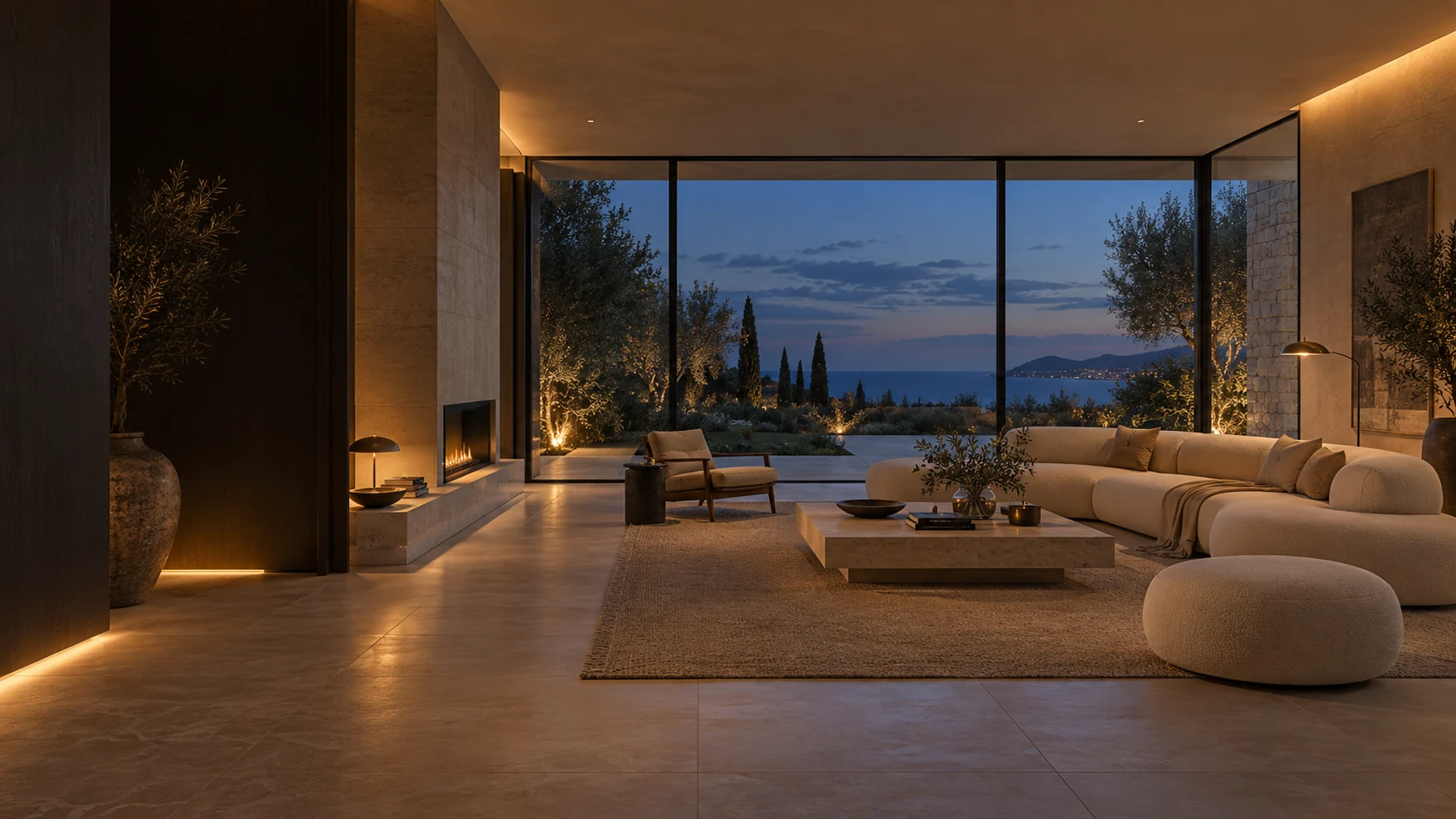
Contemporary living room concept, warm indirect lighting and large windows open to dusk

S1GULARIS / Connected home

The house adapts.
You live.

Light, comfort, small everyday gestures. Discreet technology, designed around the way you live.

Live a connected day
Architecture & technology, in harmony.

Fewer gestures. More presence.

True luxury,
it’s simplicity.

A successful connected home can be seen in everyday life: an entrance that lights up, blinds that accompany the day, a departure that can be prepared in one gesture.

At S1GULARIS, we approach home automation as a component of design. The challenge: choose the functions that serve you, integrate them into the architecture and keep the commands obvious to everyone.

01 / One day, four moments

At your own pace.

Select a time to experience an example scenario.

Scenario / Soirée

The space changes pace.

The light becomes softer. The blinds close. Your house is preparing for a quiet evening.

  1. WhenYou activate the Evening scenario
  2. AndIn selected rooms
  3. SoLumière tamisée · Fermeture des stores · Lancement d’une playlist compatible
S1 / Life scenariosDemonstration
21:00Détente
Light
20 %
Instructions
20°C
Blinds
Closed

Illustrative example S1GULARIS.
No real equipment is controlled.

Times and settings given as an example. Each scenario depends on the installed devices, their functions and your preferences.

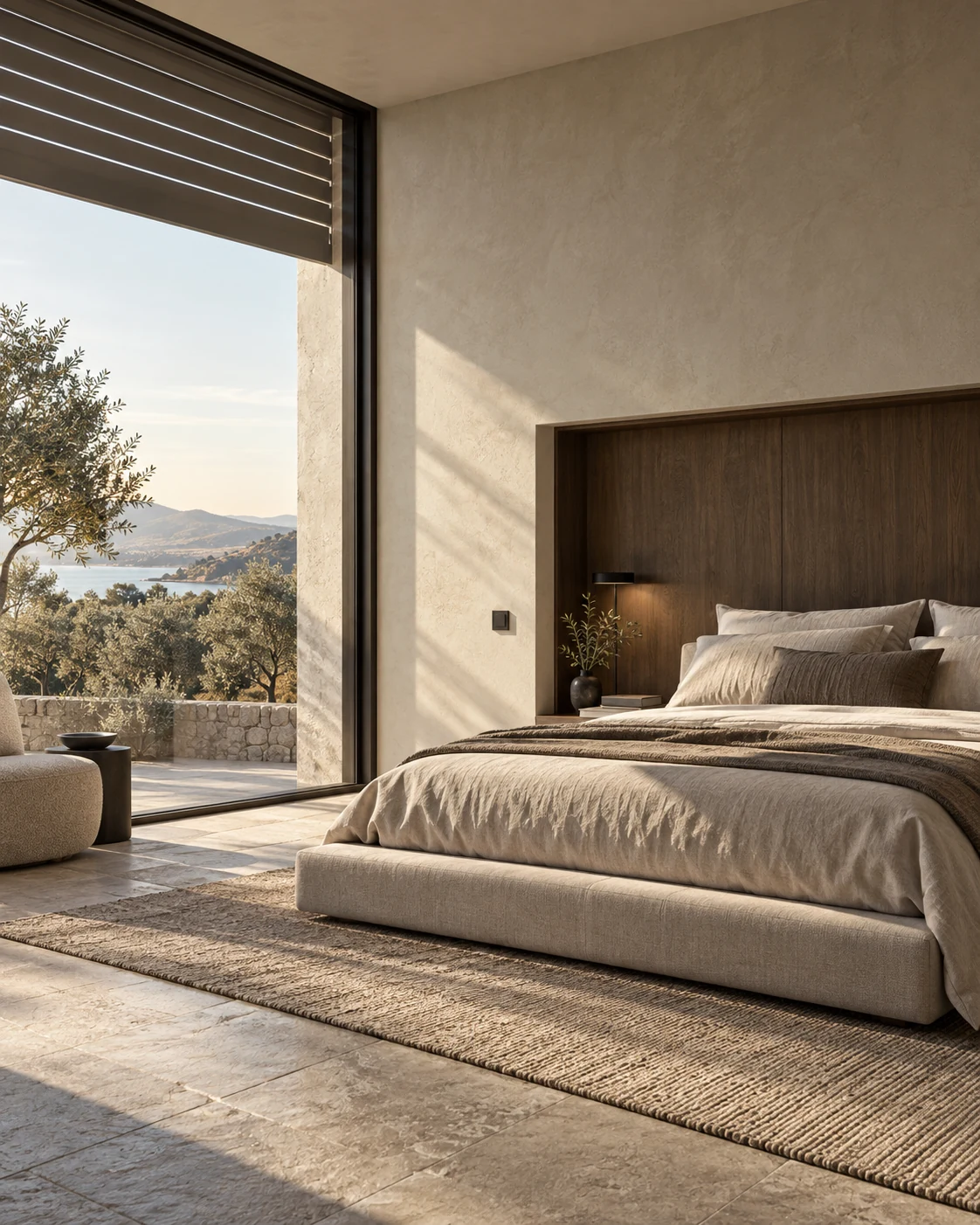
Bedroom concept in light stone and oak, raised blinds and soft morning light
Comfort begins before the first gesture.

A technology that knows how to fade away

Comfortable at home.
Quite simply.

You don't need to take out your phone for every action. A well-placed switch, a chosen scenario, an understandable setting: the experience must remain natural.

01

Keep your hand.

Provide physical controls and the possibility of adjusting automation.

02

Respect habits.

Different settings depending on the rooms, occupants and times.

03

Anticipate tomorrow.

Prepare an installation that can evolve with your needs.

Also think about the interiors

02 / The possibilities

Every function.
Really useful.

A perimeter to compose for your home. The examples below must be validated with the equipment selected.

01

Lighting & atmospheres

The right light.

Create a light for dining, reading or entertaining. Group several lighting fixtures in the same scenario, adjust their intensity and provide passage lighting at night.

To be expected: variable lighting fixtures, compatible controls and detectors.
02

Heating & climate

Comfort at the right time.

Adapt instructions to schedules and occupancy. Monitor room temperatures and limit heating when an equipped window remains open.

To check: control options for heating, thermostat and each zone.

03

Blinds & sun protection

Tame the sun.

Open when you wake up, maintain privacy in the evening and adjust the shade. The protections can follow a schedule or brightness information depending on the equipment.

To be expected: compatible engines and priority to the manufacturer's safety features, particularly in the event of wind.

04

Access & alerts

Just keep an eye.

Receive an opening or leak alert with the appropriate sensors. Find the available states of your equipment and define really useful notifications.

To check: functions exposed by each lock, alarm or camera. Home automation does not replace a certified security system.

05

Energy & consumption

Understand before acting.

Identify the most consuming uses with appropriate measures. Bring together, if the installation allows it, solar consumption and production to better choose when to use certain devices.

To be expected: meters, measuring sockets or compatible inverters. No consumption savings are guaranteed.

06

Music & daily life

An atmosphere that suits you.

Associate a playlist with a time of day or a light with a cinema session. Simple scenarios, chosen for your habits and easy to modify.

To check: speaker compatibility, music services, accounts and possible subscriptions.

03 / The Homey ecosystem

Make dialogue
the house.

Homey connects compatible equipment and allows you to create automations, called Flows. The solution and its integrations are chosen according to your project.

Principle diagram
Your orders Switch · application · scenario
HomeyPROCoordinate uses
LightingComfortBlinds

Depending on available equipment and integrations.

An overview.

Gather compatible devices, organize the parts and find useful controls. Energy dashboards and monitoring can be viewed in the Homey mobile application.

Readable rules.

“When I launch Evening, then the light dims. » Flows combine a trigger, possible conditions and actions. You choose what should happen.

Local, when possible.

Homey Pro can perform compatible functions locally. Cloud services and remote access remain dependent on the Internet.

matterThreadZigbeeZ-WaveWi-Fi

Protocols are not enough to guarantee compatibility. Every model and every function must be checked.

Discover Homey Pro on the official website

Energy, in hindsight

See better.
Better decide.

Measured consumption provides benchmarks. With the right measuring devices and integrations, Homey Energy makes it possible to monitor solar consumption and production.

Measure

Distinguish a truly measured value from an estimate. Identify the positions for which a measure is useful.

Understand

Observe variations over time and compare them to your habits, the weather or periods of absence.

Adjust

Study schedules and scenarios adapted to your uses. The result depends on the building, the installation and your energy contract.

The possibilities of Homey Energy
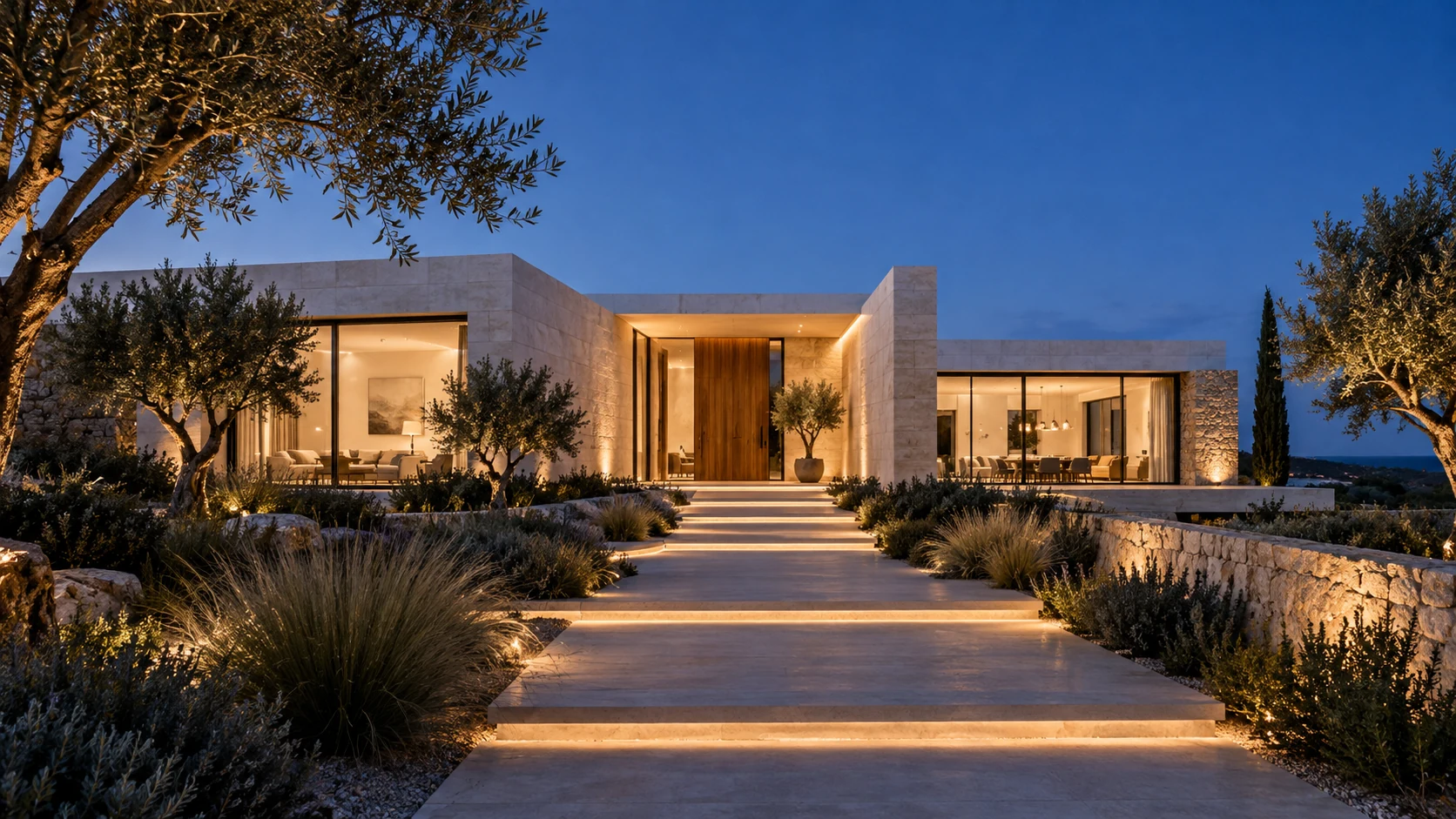
Concept of contemporary villa at dusk, wooden front door and light path in the garden

Intelligence is felt

You come back.
You are already well.

A welcoming light, an obvious route, a house thought out down to the simplest gestures.

Imagine my connected home

04 / From idea to daily life

Think carefully.
Integrate well.

A journey to build with STUDIO and the professionals responsible for your installation. The content of each intervention is defined according to the mission.

  1. 01

    Your habits

    Start from real life.

    The parts you use, your schedules, your priorities and the orders you want to keep. We start with uses, to define a useful scope.

  2. 02

    The design

    Prepare what cannot be seen.

    Location of controls, power supplies, network, radio coverage, panel and maintenance access: these points must be coordinated with project stakeholders.

  3. 03

    The equipment

    Check before choosing.

    Each reference, its version, its available functions and its possible Internet dependencies must be validated. The budget and services are specified in the estimate.

  4. 04

    Commissioning

    Test in your daily life.

    Plan the association of equipment, the adjustment of scenarios, manual control tests and getting started. Responsibilities and deliverables are defined in the selected mission.

To prepare for our exchange.

Your plans if you have them, the stage of the project, the existing equipment and three uses that would make your life easier. This is a good starting point.

Talk about my project

Before you start

The good ones
questions.

Is the connected home included in all projects?

The level of equipment, integration and support are defined for each project. This page presents possibilities: only the quote and contractual documents specify what is included.

Should you choose everything from the same brand?

Homey brings together different brands through compatible integrations. However, a common protocol does not guarantee access to all functions: we check the exact reference, the associated Homey application and the commands actually available.

What happens if the internet goes out?

Homey Pro locally processes automations and devices that can operate locally. Cloud-dependent services, remote notifications, and remote access require an Internet connection. A power outage is a separate case: powered equipment no longer functions without suitable backup power.

Can we keep real switches?

This is something to consider from the design stage: maintaining suitable physical controls and simple uses for the whole family. Their operation in the event of system unavailability depends on the cabling and hardware used, and must be tested.

Is this possible in an existing house?

Yes, a project can be studied within the existing framework. The choice between radio modules, equipment replacement and cabling work depends on the installation, coverage and desired functions. An inventory allows you to define the limits.

Can we start simply and then add to it?

Yes: lighting and blinds can constitute a first perimeter, before studying comfort or energy. Planning the power supplies, the network and the capacity to evolve avoids having to redo certain arrangements.

What budget should you plan?

The cost depends on the number of parts, equipment, cabling, scenarios and the integration service. An exchange makes it possible to establish a scope before costing. Any subscriptions to third-party services must be identified separately.

Who keeps control of the house?

Getting started should allow you to use the commands, adjust your scenarios and manage access. Proprietary accounts, documentation, backups and maintenance methods are points to be clarified when preparing the mission.

And now?

What if your home followed your rhythm?

Share your desires. Let’s define the uses and the level of equipment that make sense for you.

Let's talk about your project